

Edit styles and create color modes with a design token manager.
What it costs
- Free tier
- Yes
Free Figma plugin for editing design tokens and color modes.
Auto-checked on 8 August 2026Source
About Token Master
What Is Token Master?
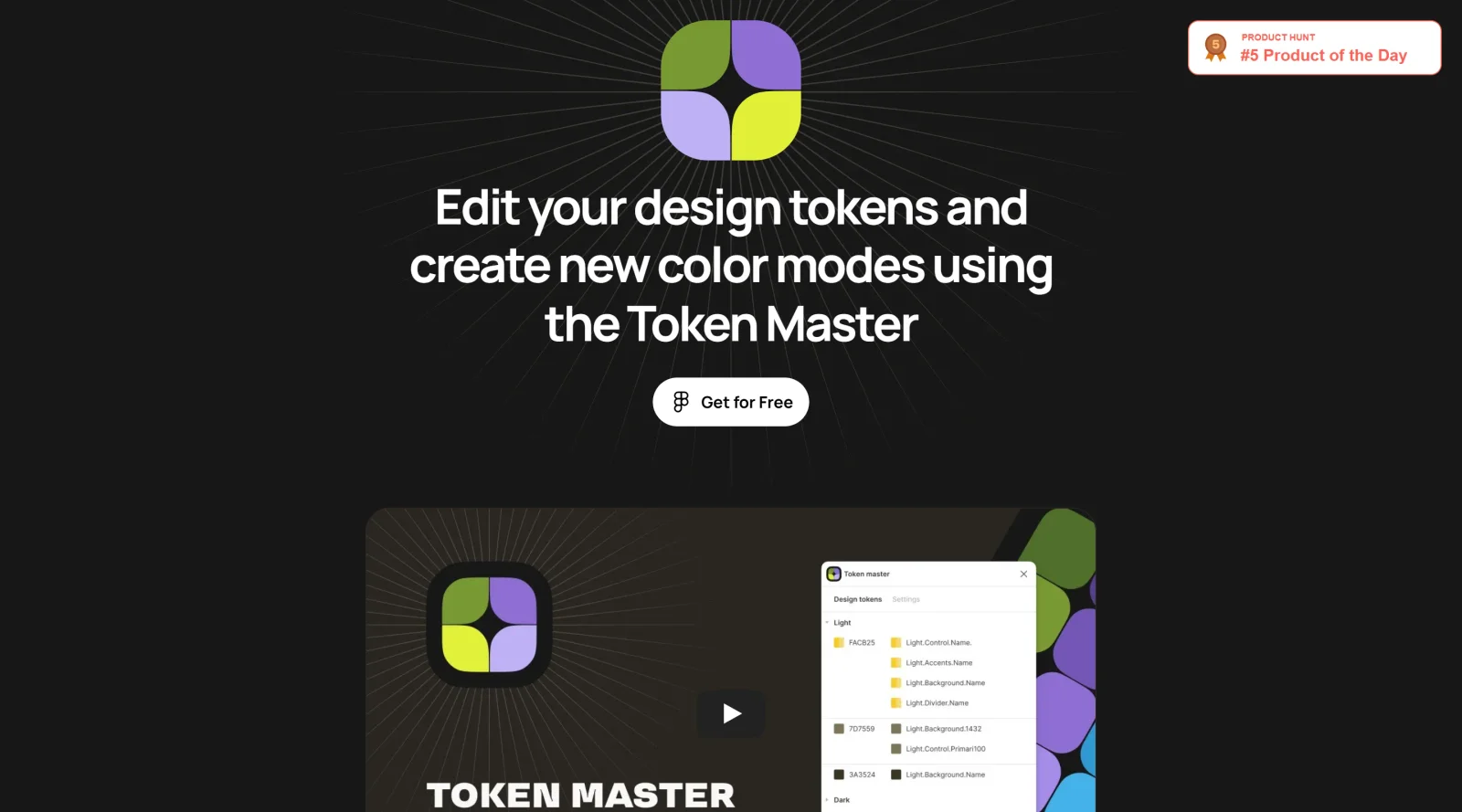
Token Master is a free Figma plugin designed to streamline the management of design tokens within a design system. It functions as a color token automation tool that addresses a key challenge in design workflows: maintaining consistency when the same color is applied across multiple design elements with different token names. By grouping tokens that share identical color values, Token Master enables designers to update multiple tokens simultaneously, reducing manual work and synchronization errors across a design system.
What Token Master Does
- Groups design tokens by shared color HEX values, allowing bulk recoloring across dozens of tokens in seconds
- Automates color theme creation, enabling designers to build new color variations in approximately ten minutes
- Maintains token organization within Figma without relying on external plugins that could cause system instability
- Supports rapid iteration on design systems by reducing the time spent on repetitive token management tasks
- Works within Figma's native environment, ensuring compatibility and reliability for design token workflows
How Token Master Can Be Used
Token Master is particularly useful when working with design token sets that span multiple UI components. For example, if a yellow color is tokenized separately for buttons, icons, switchers, and text elements, Token Master can identify all instances of that yellow HEX value and recolor them to green across the entire design system with a few clicks. This capability is essential for design systems that use granular token naming conventions where individual elements receive unique token names despite sharing the same visual values. The plugin also accelerates theme development, allowing designers to create light and dark mode variations or other color modes without manually adjusting each token individually.
Who Is Token Master For?
Token Master is best suited for design teams managing mature, scaled design systems where token naming conventions are detailed and component libraries are extensive. It benefits designers who work with complex token hierarchies and need to maintain consistency across large numbers of related tokens. Teams using Figma as their primary design platform and prioritizing stability through native integration will find Token Master most valuable. For organizations looking to reduce design token management overhead and accelerate color theme creation, this free tool offers practical automation without external dependencies. Visit Token Master
Featured Tools
Sponsored
Artlist
Royalty-free music, SFX, 8K footage, templates, LUTs and 100+ AI models on a single subscription for video creators.

Icons8
Large icon packs featuring over 10,000 icons for consistent design themes.

Vidu
AI video generator with text, image and reference-to-video modes, producing 3–16 second clips at up to 1080p with characters that stay consistent across shots.
Your tool here
The tools above are our own picks until the slots sell.
Spotlight
SponsoredRotates daily
Kittl
AI-first design platform with image, vector, and video generation, plus templates, mockups, and print-ready exports.
Tools we recommend


getimg.ai
20+ AI models for image, video & audio in one workspace


OpenArt
All-in-one AI image, video & audio generator


YouCam Online Editor
Free online AI photo & video editor
Editorially chosen. Some links above are affiliate links — if you sign up we may earn a commission, at no extra cost to you.
More Design Tools Tools


Pryzm
Pryzm is a real-time studio for designers who need backgrounds that don't look like everyone else's. Layer procedural gradients, then stack glass, grain, light and blobs.


Modeinspect
Mode turns your product’s codebase into editable canvas frames. Refine real UI with visual controls, experiment with AI then share or hand off for review.


GoProd
Remove backgrounds and upscale images effectively.


Kittl
AI-first design platform with image, vector, and video generation, plus templates, mockups, and print-ready exports.


Lunacy
Free design software enhanced with AI tools and built-in graphics.


Smart Upscaler
Automatically improve image clarity using AI technology.
Explore Other Categories
Discover more design resources
New to Design?
Explore our comprehensive design glossary to master essential terminology from A/B Testing to Wireframes.
Browse GlossaryLooking for something specific?
Search through our entire collection of design tools and resources